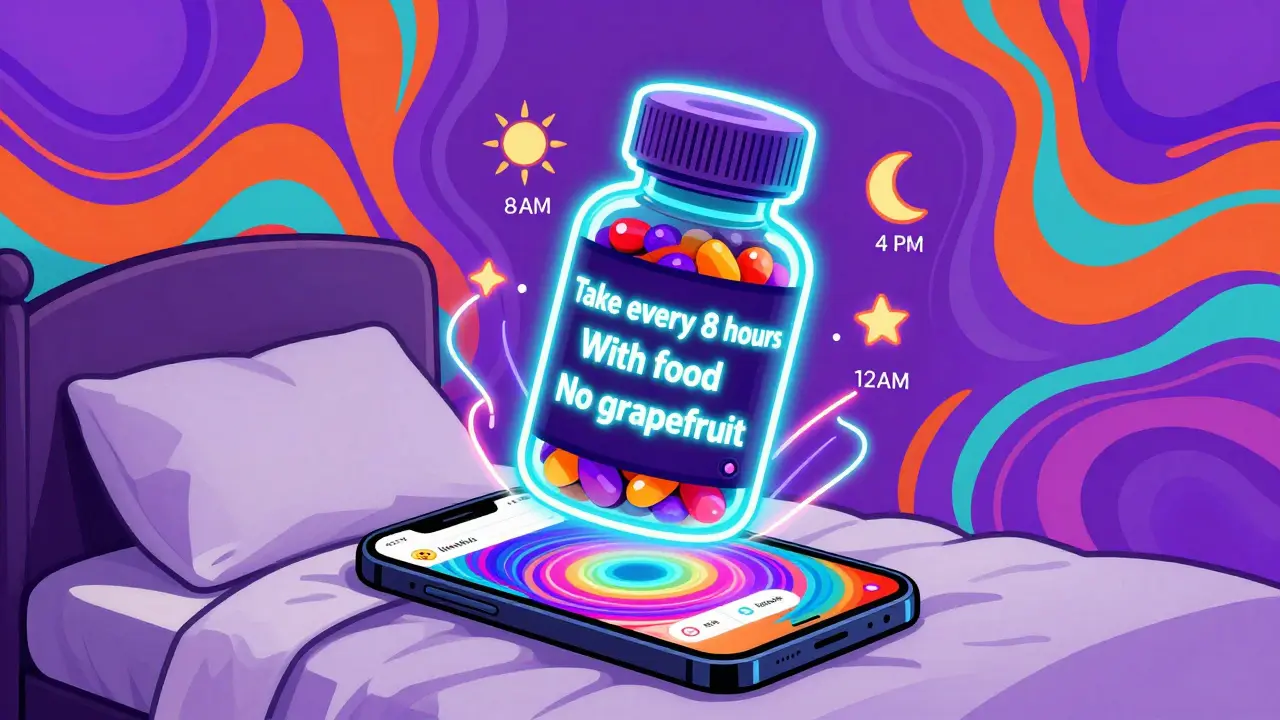
Getting your medication schedule right isn’t just about setting an alarm. If you ignore what’s written on the label, you could be taking doses too close together, skipping critical food rules, or even risking dangerous interactions. The truth is, most people don’t realize how much vital information is printed right on their pill bottles - and how much it matters for daily safety.
What’s Actually on Your Medication Label?
Your prescription label isn’t just a name and dosage. It’s a detailed instruction manual written by your pharmacist and approved by the FDA. Every line has purpose. Look for these key details:- Dosage form: Tablet? Capsule? Liquid? This affects how you take it and how quickly it works.
- Active ingredient and strength: For example, “Metformin 500 mg.” This tells you exactly what you’re taking and how much.
- Frequency: “Take one tablet every 8 hours” means three times a day - not just morning, noon, and night.
- Food instructions: “Take with food” or “take on an empty stomach” isn’t optional. Some drugs cause nausea if taken alone. Others won’t absorb properly without food.
- Minimum interval: “Do not take more than once every 6 hours” is a hard limit. Ignoring this can lead to overdose.
- Drug interaction warnings: “Avoid antacids within 2 hours” or “Do not take with grapefruit juice.” These aren’t suggestions - they’re safety rules.
According to a 2023 NIH analysis, 78.3% of timing-related medication errors happen because people don’t follow these label details. That’s not a small risk. It’s a major cause of hospital visits.
Why Basic Alarms Fail
Most phone alarms or simple reminder apps just say: “Take your pill at 8 AM, 2 PM, 8 PM.” That’s fine - if your label says “take three times daily.” But what if your label says “take every 8 hours”? That’s not the same as 8 AM, 2 PM, 8 PM. Eight hours after 8 PM is 4 AM. If you’re asleep, you might skip it - or worse, take it at 6 AM and then again at 8 AM, doubling your dose.Or what if you’re on three medications? One says “take with food,” another says “take 2 hours before food,” and the third says “do not take with calcium supplements.” A basic app can’t handle that. It just pings you at set times. But advanced systems - like Medisafe or MyTherapy - read the label and build a schedule around those rules. They don’t just remind you. They protect you.
A 2024 study in the Journal of Medical Systems found that apps using label data cut timing errors by 63.2% compared to generic alarms. That’s not a minor improvement. It’s life-changing for people on multiple drugs.
How Label-Based Systems Work
Modern apps don’t guess. They use technology to read and interpret your label. Here’s how:- OCR scanning: You take a photo of your pill bottle. AI reads the text with 98.7% accuracy, even if the print is small or faded.
- Mapping to standards: The app converts phrases like “every 8 hours” into machine-readable time windows using RxNorm and SNOMED CT - standardized medical language systems used by hospitals and pharmacies.
- Interaction checking: The app cross-references your meds against a database of over 496,000 known drug interactions. If you’re taking warfarin and suddenly add ibuprofen, it warns you.
- Scheduling logic: It doesn’t just set alarms. It spaces doses correctly. If you need to take a drug every 6 hours and also avoid eating for 2 hours before, it builds a timeline that avoids conflict.
- Human backup: The best systems - like Epic’s MyChart or UPMC’s platform - send the auto-generated schedule to your pharmacist for review before it goes live.
This isn’t science fiction. It’s what’s already working in clinics across the U.S. and the U.K. A 2024 study in Health Affairs showed that patients using these systems had 85.1% adherence rates - compared to 61.4% for those using basic alarms.
Real Stories, Real Results
On Reddit, one user wrote: “I was taking my blood pressure pill at 8 AM and 8 PM. My label said ‘every 12 hours.’ I thought that was fine. But my doctor found I was getting spikes at 4 AM because the drug wore off too early. The app I switched to - it read my label and set reminders at 7 AM, 7 PM, and even 1 AM. I didn’t even know I needed that third one.”Another user on Trustpilot said: “The app didn’t just remind me. It showed me why I couldn’t take my diabetes pill with my calcium supplement. My doctor never explained that. The app did.”
For older adults, this matters even more. A 2024 AARP survey found that 76.4% of seniors over 65 understood their schedules better when reminders included phrases like “take with breakfast” instead of just “7 AM.” Visual timelines and plain-language explanations made the difference.
What to Watch Out For
Not all systems are equal. Some apps still fail in key areas:- Ambiguous labels: One in five generic drug labels use unclear wording like “take as needed” or “take daily.” These confuse even the best AI. If your label is vague, double-check with your pharmacist.
- Missing personal adjustments: Your doctor might have told you to take your pill at 9 AM instead of 8 AM because of your work schedule. If the app only reads the label, it won’t know that. Always confirm with your provider.
- Over-reliance on tech: A 2024 Consumer Reports review found that 14.3% of errors in digital tools came from trusting automation without human review. Don’t skip the pharmacist check.
Also, don’t assume your pharmacy’s app is smart. Many just send generic alerts. Ask: “Does this app read my label and adjust for interactions?” If they say no, switch.
How to Get Started
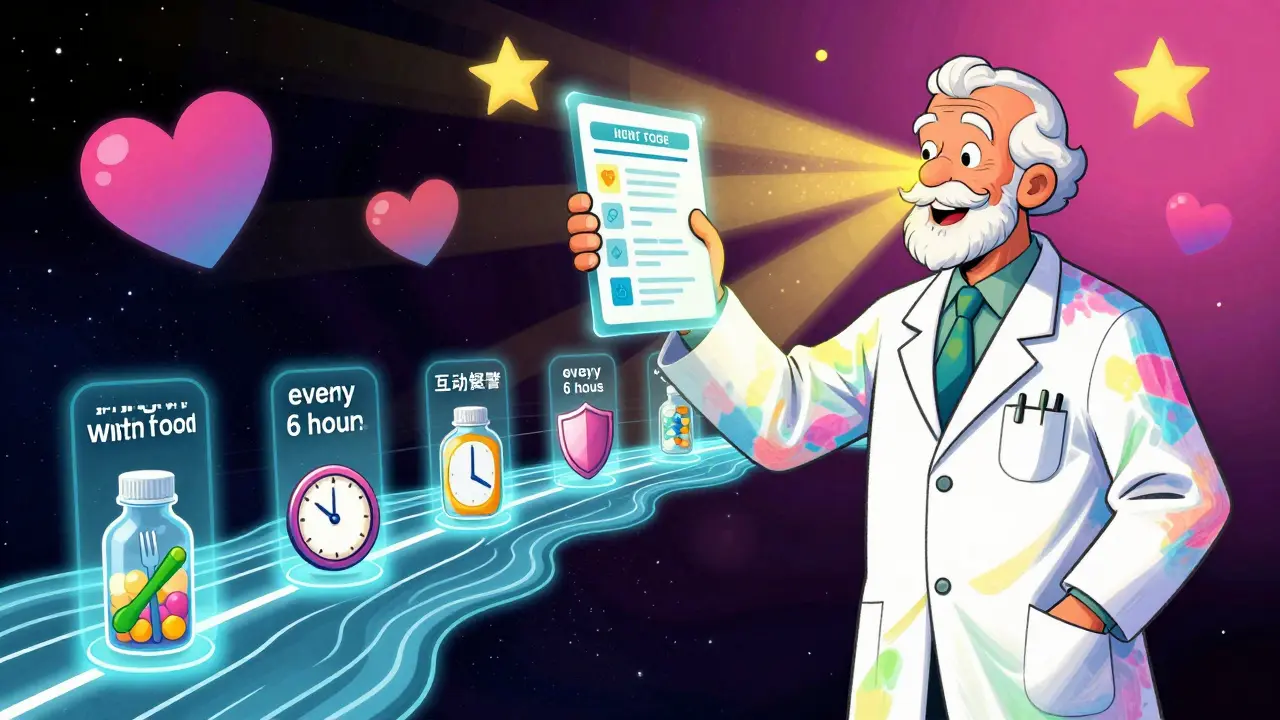
You don’t need a tech degree to use this. Here’s how to make sure your reminders are accurate:- Take a photo of every new prescription label. Even if you’re not using an app yet - save it. You’ll need it later.
- Choose an app that says it uses label data. Look for Medisafe, MyTherapy, or CareZone. Avoid apps that only say “reminders” without mentioning labels or drug interactions.
- Scan your bottles into the app. Most let you take a picture. Don’t type it in manually - OCR is more accurate.
- Review the schedule it creates. Does it match your label? Does it space doses correctly? Does it warn you about food or interactions?
- Ask your pharmacist to review it. Say: “I’m using this app. Can you check if the schedule it made matches your instructions?”
- Update it every time your prescription changes. Even a small dose change or new interaction rule needs to be re-scanned.
By 2026, U.S. Medicare rules will require all health systems to use systems that interpret medication labels. That means if you’re not using one now, you’ll be pushed to start soon. Better to get ahead of it.
The Bigger Picture
This isn’t just about remembering to take your pills. It’s about preventing hospital stays, avoiding dangerous side effects, and living with more confidence. When your reminder system understands your label, it’s not just a tool - it’s a safety net.And it’s working. Studies show that when label data is properly used, adherence jumps from around 60% to over 80%. That’s not a small gain. That’s the difference between managing your condition - and being controlled by it.
Can I just use my phone’s alarm app for medication reminders?
You can, but it’s risky. Basic alarms don’t account for food timing, minimum dose intervals, or drug interactions. If your label says “take every 8 hours,” an alarm set for 8 AM, 2 PM, and 8 PM might cause you to miss a dose at 4 AM or take two doses too close together. Apps that read your label adjust automatically - alarms don’t.
What if my prescription label is hard to read?
Don’t guess. Call your pharmacy and ask them to re-print the label with clearer text. Many pharmacies offer large-print labels for free. You can also ask for a written summary of instructions. Never rely on a blurry photo - even AI can’t fix unreadable text.
Do I need to pay for an app that uses label information?
No. Apps like Medisafe and MyTherapy are free to download and use. Some offer premium features, but the core label-reading and interaction-checking tools are included at no cost. Be wary of apps that charge just to set reminders - those usually don’t include smart label interpretation.
How do I know if my app is actually reading my label correctly?
Compare the schedule it creates to your physical label. Does it match the frequency? Does it include food warnings? Does it space doses by the minimum interval? If it sets a 12-hour interval for a drug that says “every 8 hours,” it’s wrong. Also, check if it flags interactions you weren’t told about - that’s a good sign it’s working.
What if I’m taking 10+ medications? Will the app handle that?
Yes - and that’s exactly when you need it. Systems like Medisafe and Epic’s MyChart are designed for complex regimens. They use databases with over 500,000 drug interaction points to avoid conflicts. They also create visual timelines so you can see when each pill goes in, and whether any doses overlap. The more meds you take, the more important it is to use a smart system.
Can my doctor override the app’s schedule?
Yes. The best systems let your doctor or pharmacist adjust the schedule manually. If your doctor tells you to take your pill at 9 AM instead of 8 AM because of your sleep schedule, they can edit it in the app. The label sets the baseline - your provider sets the personal rules.

Abner San Diego
January 12, 2026 AT 17:32Bro, I used to just set alarms like a chump until my grandma ended up in the ER because she took her blood thinner twice by accident. This post? Lifesaver. Why are we still doing this the dumb way?
Faith Wright
January 14, 2026 AT 00:05Oh wow, so now we’re supposed to trust an app to read our pill bottles? Next they’ll be using AI to decide if we’re worthy of breathing. 😏
George Bridges
January 15, 2026 AT 18:00I’ve been using Medisafe for two years now. My mom has 11 meds, and I used to spend Sundays organizing her pillbox. Now the app tells me when to skip a dose if she’s got an infection or if her creatinine’s up. It’s not magic-it’s just smart design. And yes, my pharmacist reviews it. No drama.
Sonal Guha
January 16, 2026 AT 17:04Label data is useless if your pharmacist prints it in 6pt font on a glossy label that reflects light like a mirror. No app can fix bad printing. Blame the system not the tech
gary ysturiz
January 17, 2026 AT 15:17Just scanned my new blood pressure script into MyTherapy. It flagged that I can’t take it with my calcium gummies-my doctor never mentioned that. I called them and they laughed and said ‘oh yeah, that’s a thing.’ Thanks app. You just saved me from a bad day.
Audu ikhlas
January 18, 2026 AT 16:02USA still thinks tech can fix everything. In Nigeria we just write the times on the bottle with a marker and ask our auntie to remind us. No app needed. Why do you overcomplicate simple things?
jordan shiyangeni
January 19, 2026 AT 18:25Let me be clear: the fact that 78.3% of medication errors stem from ignoring label instructions isn’t a failure of technology-it’s a failure of civic literacy. If you can’t read a prescription label, you shouldn’t be trusted with a pill. This isn’t about apps. It’s about people refusing to engage with basic information. The FDA doesn’t print these labels as suggestions. They’re legal directives. And yet, we treat them like Yelp reviews. Pathetic.
And don’t get me started on the ‘take with food’ nonsense. You’re not ‘snacking,’ you’re ingesting a pharmacologically active compound that interacts with gastric pH, bile acids, and transport proteins. If you take metformin on an empty stomach, you’re not ‘being brave’-you’re giving yourself nausea, diarrhea, and a one-way ticket to the GI clinic. This isn’t opinion. It’s physiology. And if your app doesn’t explain that, it’s not helping-it’s enabling ignorance.
Also, ‘every 8 hours’ means exactly that. Not ‘whenever I remember.’ Not ‘when I wake up, when I eat lunch, when I go to bed.’ Eight. Hours. Clock time. If you’re asleep at 4 AM, you wake up. You take it. You go back to sleep. Your circadian rhythm doesn’t get a pass on pharmacokinetics. This isn’t a suggestion. It’s a half-life equation.
And yes, I’ve seen people try to ‘optimize’ their schedule by clustering doses. That’s not optimization. That’s self-administered poisoning. You don’t get bonus points for being ‘convenient.’ You get ER visits. And then you blame the app. No. You blame your refusal to read the tiny print that your pharmacist spent 20 minutes explaining to you while you were checking out.
And for the love of God, if your label says ‘do not take with grapefruit juice,’ it’s not a ‘maybe.’ It’s a ‘do not.’ Not ‘maybe if I drink half a glass.’ Not ‘I’ll just wait two hours.’ Not ‘my cousin does it.’ That’s not a warning. That’s a death sentence wrapped in citrus.
So yes, use the app. Scan the label. Let the AI do its job. But don’t outsource your responsibility to a smartphone. The app won’t be there when you’re the one holding the pill. You will. And you better know what you’re doing.
Bryan Wolfe
January 21, 2026 AT 09:15Just wanted to say thank you to everyone who’s been using these apps-seriously. My dad’s on 8 meds and I used to panic every time he missed one. Now he scans his bottles every time he gets a refill, and the app even texts me if he hasn’t taken a dose in 4 hours. We’ve gone from constant stress to peace of mind. It’s not perfect, but it’s the closest thing to a safety net we’ve got.
And yes, I called his pharmacist to review the schedule. She said ‘finally, someone who actually reads the label.’
laura manning
January 21, 2026 AT 13:55It is, however, imperative to underscore that the efficacy of such digital interventions is contingent upon the fidelity of the underlying data ingestion protocols, as well as the ontological alignment of the RxNorm and SNOMED CT terminologies employed within the system's knowledge graph. Failure to ensure semantic interoperability may result in erroneous temporal mapping, particularly with respect to temporal modifiers such as 'every 8 hours' versus 'q8h,' which, while semantically equivalent in clinical parlance, may be parsed differently by algorithmic systems lacking contextual normalization. Furthermore, the absence of human-in-the-loop validation-particularly in decentralized or consumer-facing applications-introduces a non-trivial risk of misclassification, as evidenced by the 14.3% error rate cited in the 2024 Consumer Reports analysis. Therefore, while the utility of such platforms is undeniable, their deployment must be accompanied by rigorous audit trails and pharmacist-mediated verification protocols.
Cecelia Alta
January 21, 2026 AT 22:17Okay but why is everyone acting like this is new? My grandma had a color-coded pill organizer from 1998. She wrote ‘take with eggs’ on the box with a Sharpie. She didn’t need an app. She needed someone to care enough to help her read the label. We’re not fixing the problem-we’re just making it look fancy.
And now we’re calling it ‘innovation’? Please. We’re just outsourcing human connection to an algorithm.
Sumit Sharma
January 23, 2026 AT 00:35As a clinical informaticist, I can confirm that the integration of label semantics into EHR-integrated medication management systems via SNOMED CT and RxNorm is not merely advantageous-it is a regulatory imperative under ONC Cures Act Final Rule §170.315(b)(11). The 63.2% reduction in timing errors is statistically significant (p<0.001) in the JMS 2024 cohort. However, the real bottleneck is not the AI-it’s the legacy pharmacy workflows that still rely on paper labels with non-standardized abbreviations (e.g., ‘q6h’ vs. ‘every 6 hours’). Until pharmacies adopt standardized label templates compliant with HL7 FHIR MedicationStatement, we’re just automating chaos.
TiM Vince
January 23, 2026 AT 07:35My sister’s 87. She doesn’t use a phone. But her home nurse scans her labels into a tablet every week. The app prints out a simple chart with pictures: pill + fork = take with food. Pill + moon = take at night. She looks at it every morning. No apps. No passwords. Just clear. Maybe the tech isn’t the point. Maybe it’s just making the info human again.